Android BirdScribe Tester Access
Follow these steps to install the beta version of BirdScribe
1. Select Google Play Store
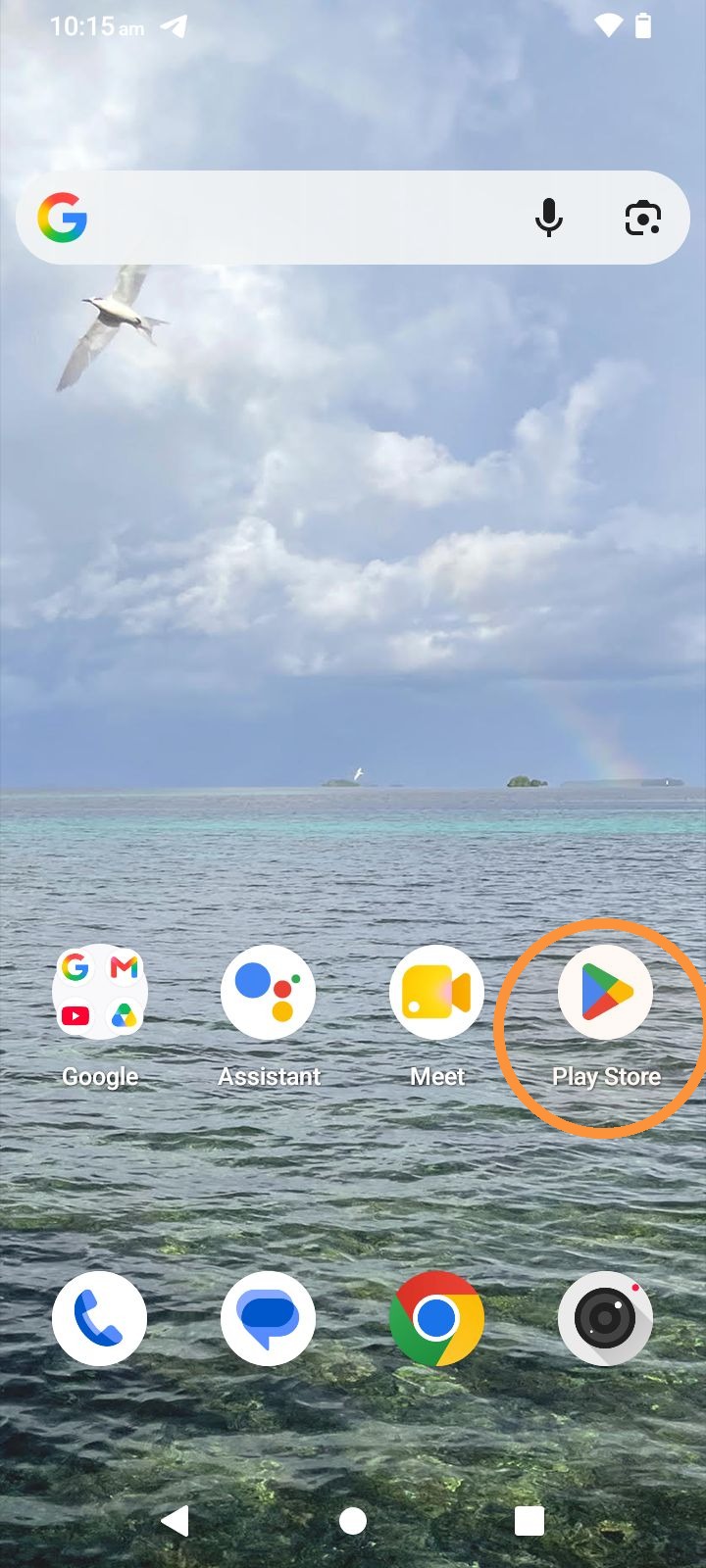
2. Tap here.
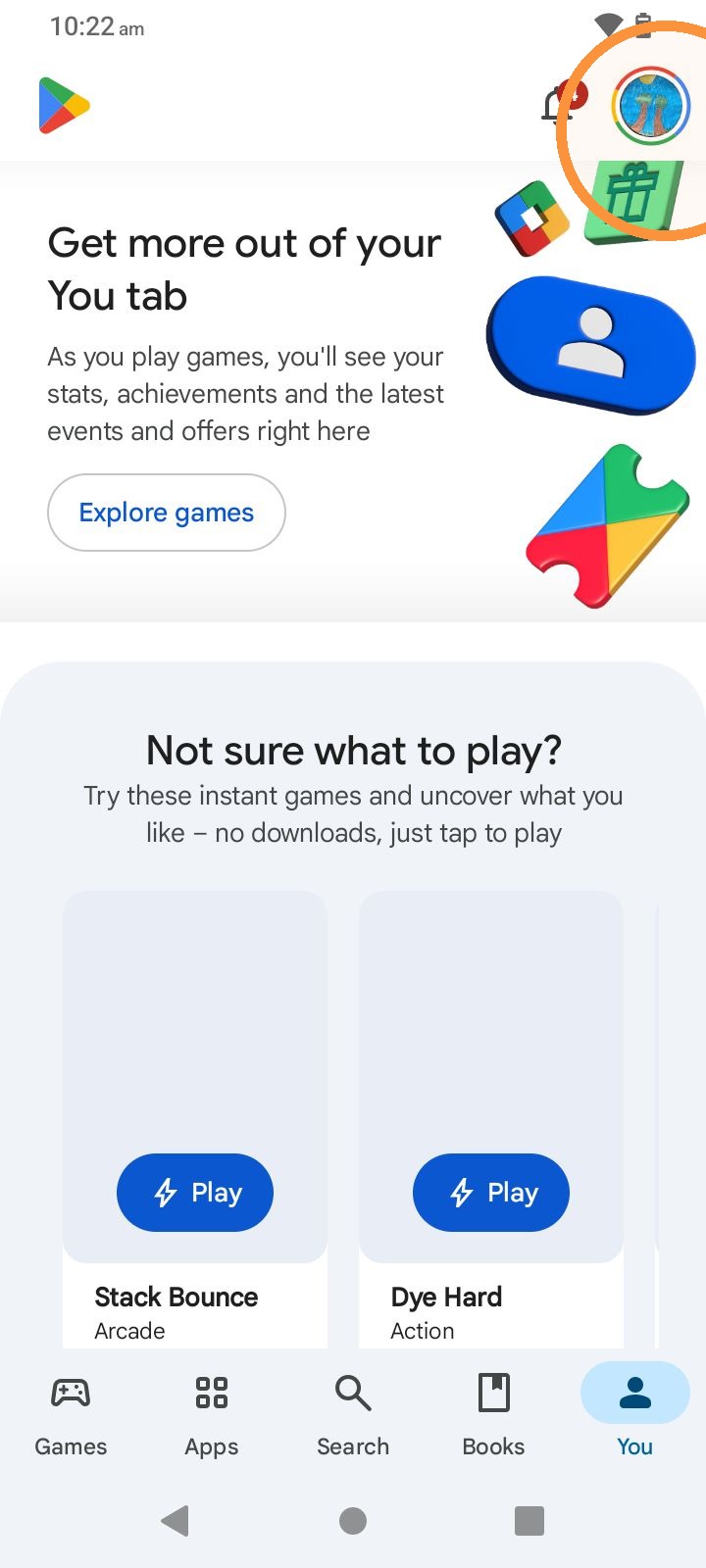
3. Tap here.
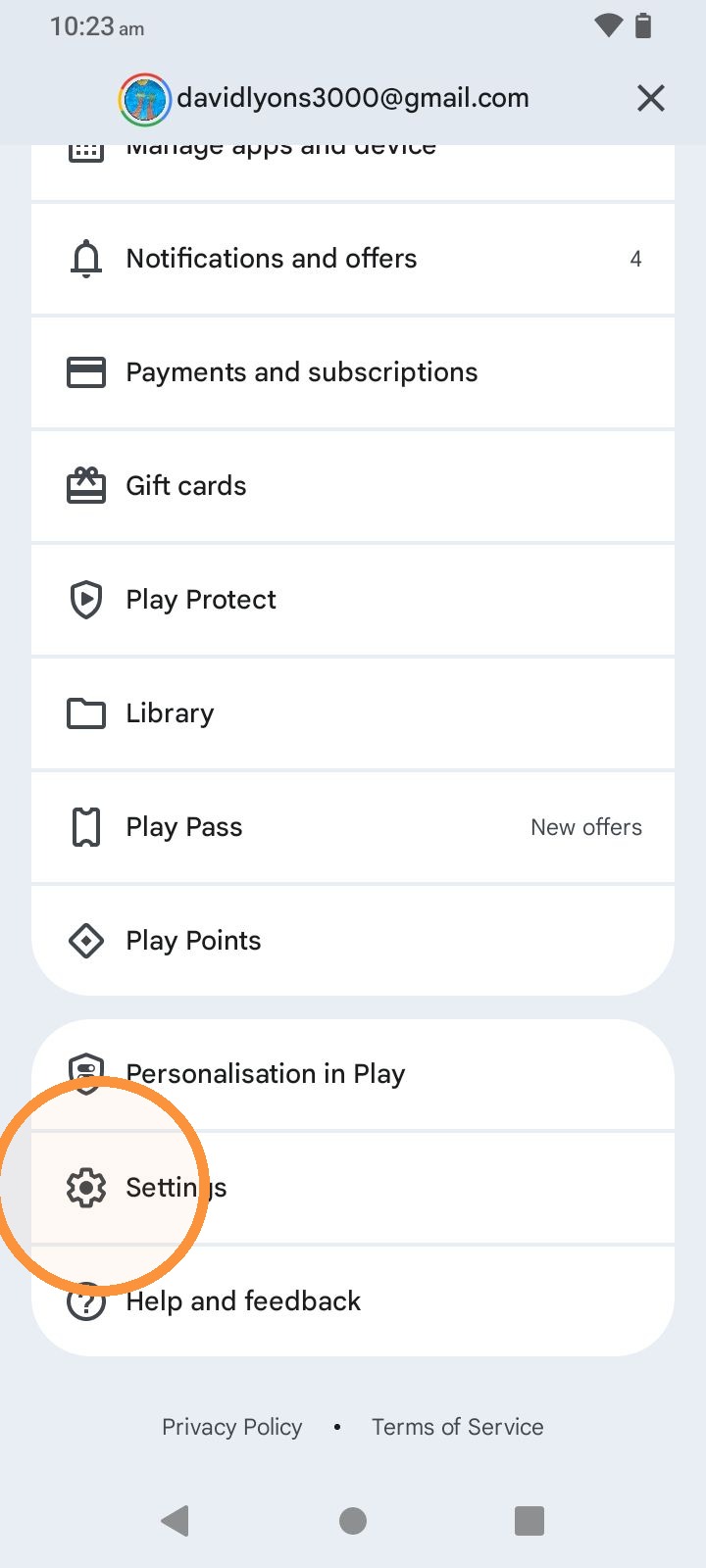
4. Tap here.
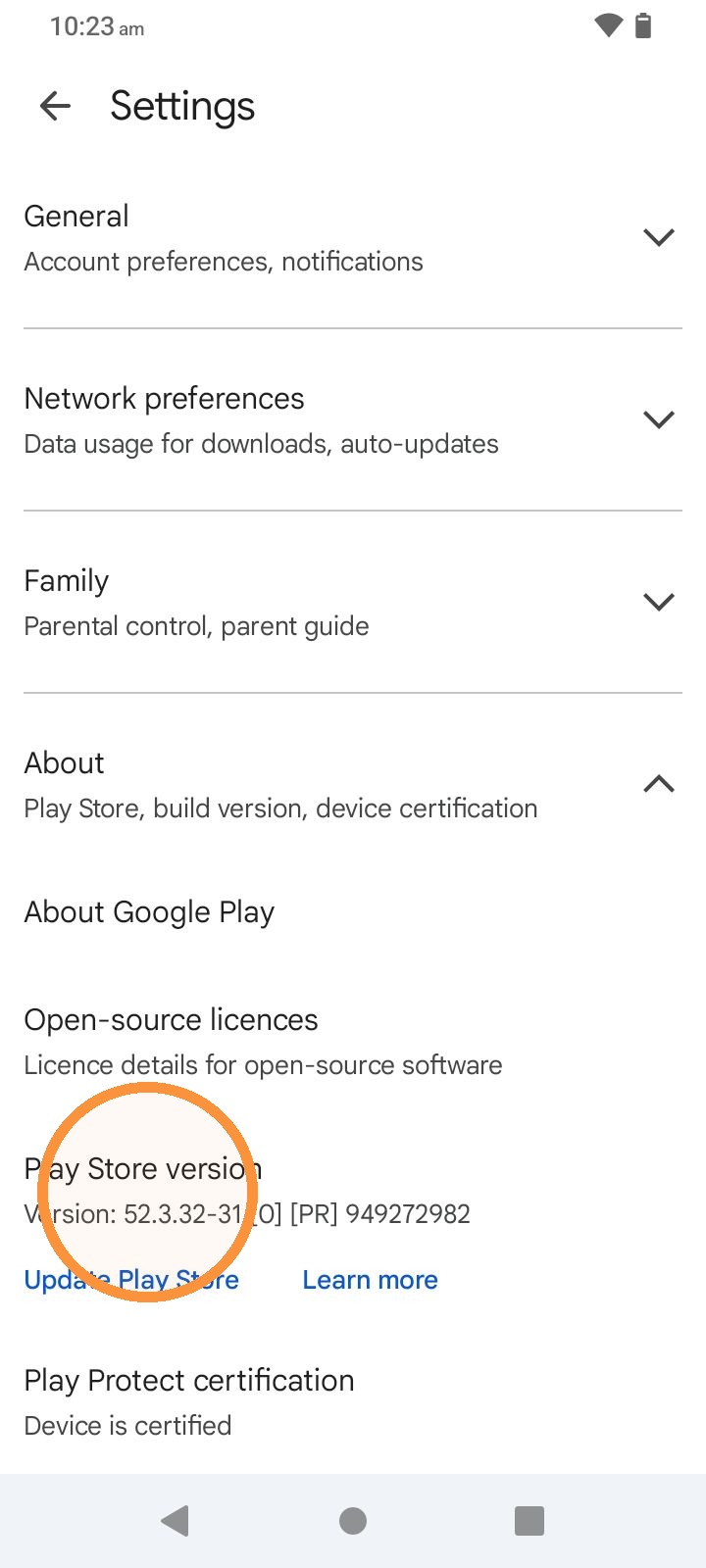
5. Tap the Build Notice, 7 Times to activate Developer Access
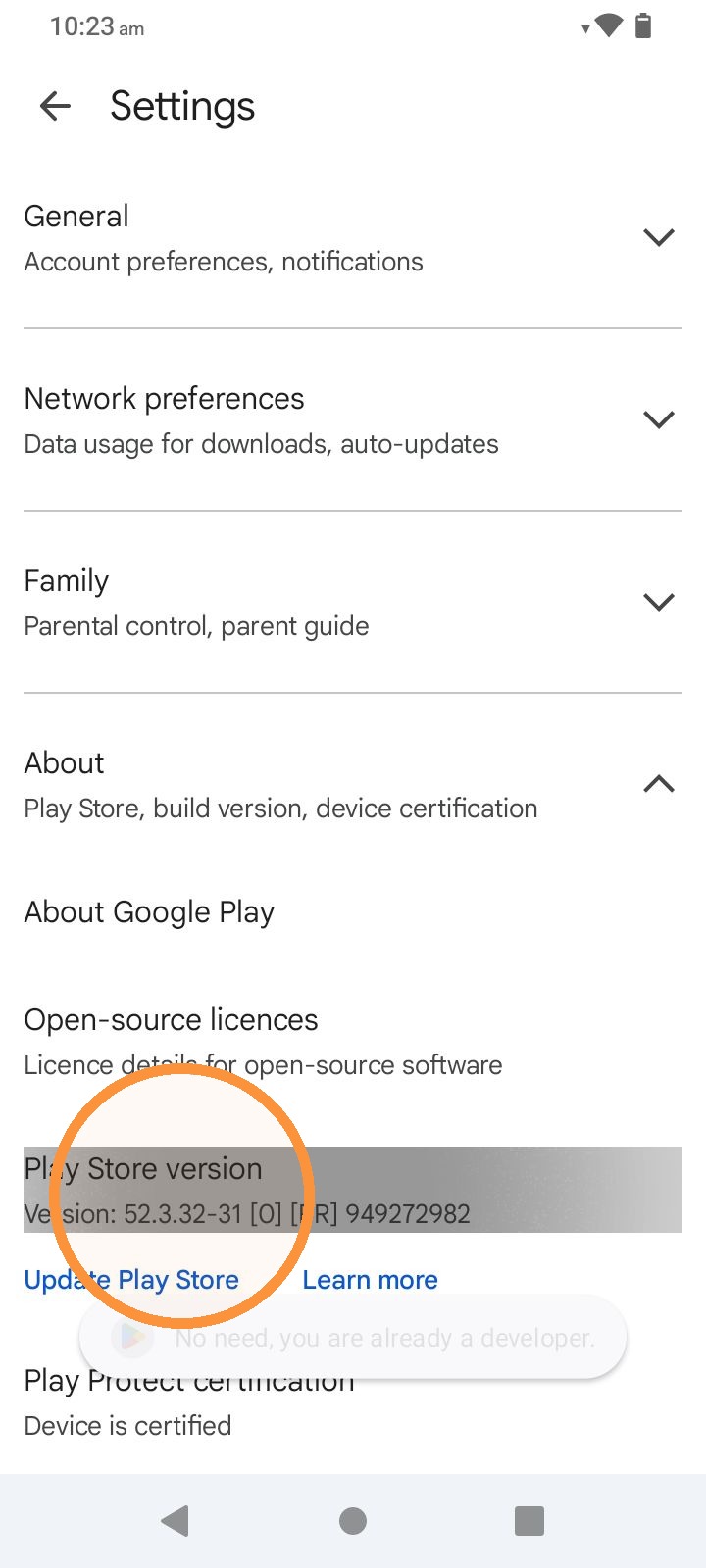
6. Tap here.
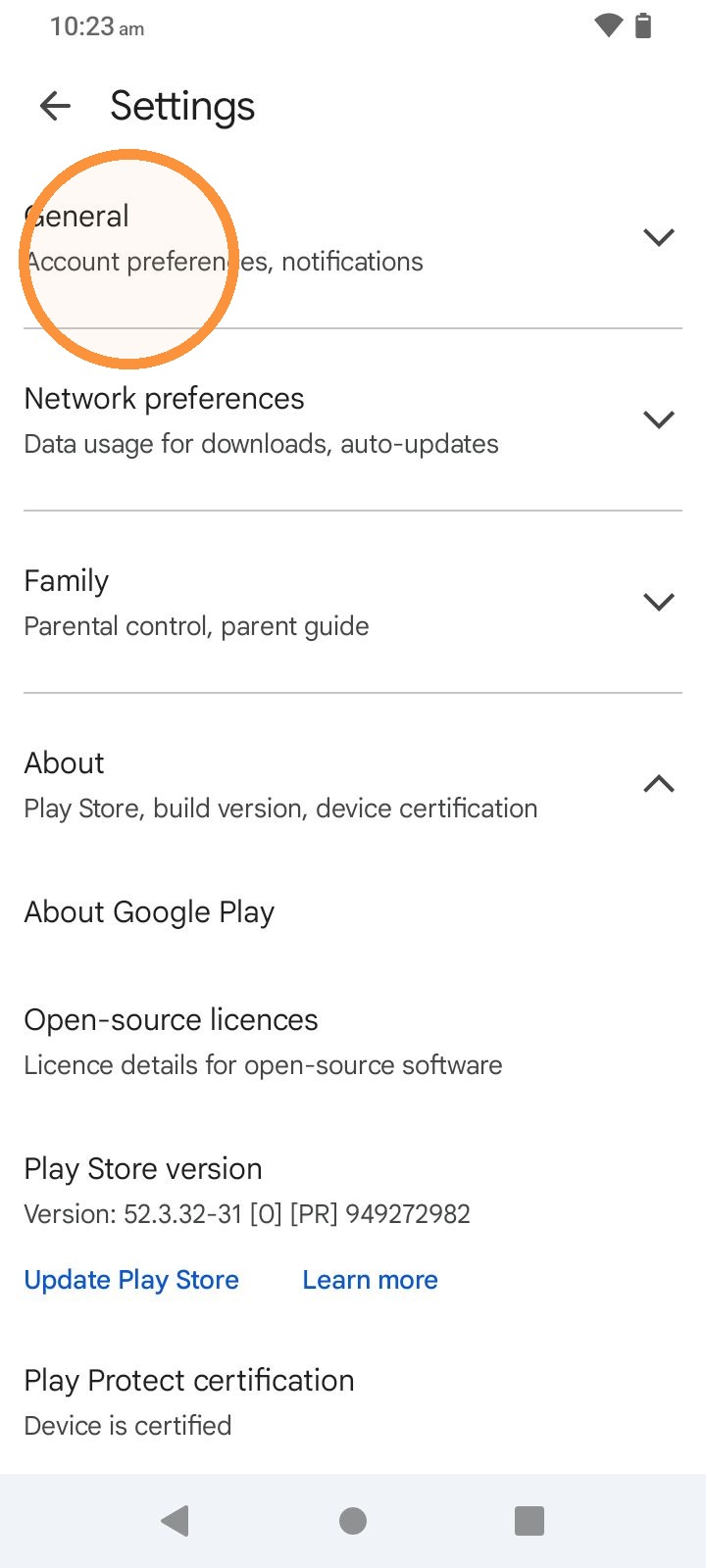
7. Tap here 7 times to turn on your phones developer access
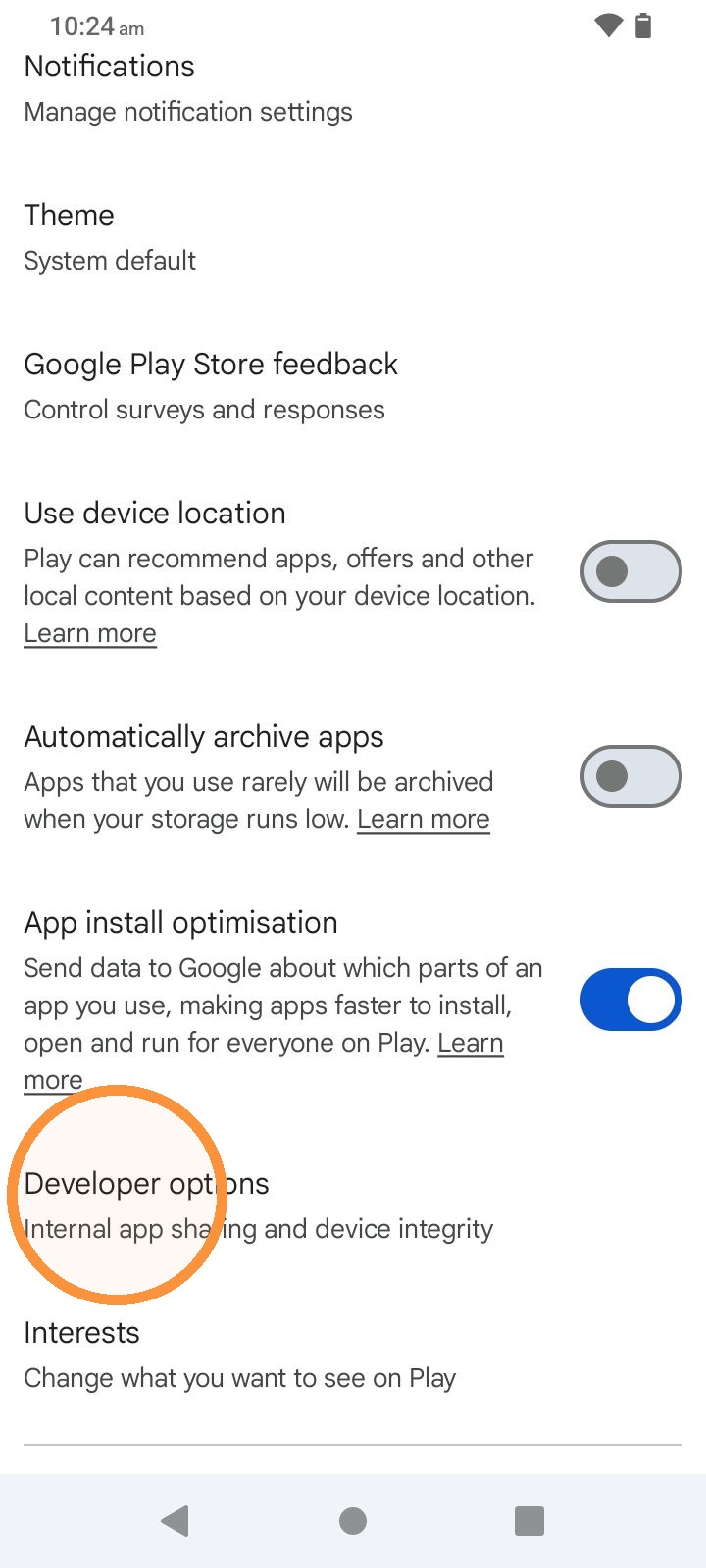
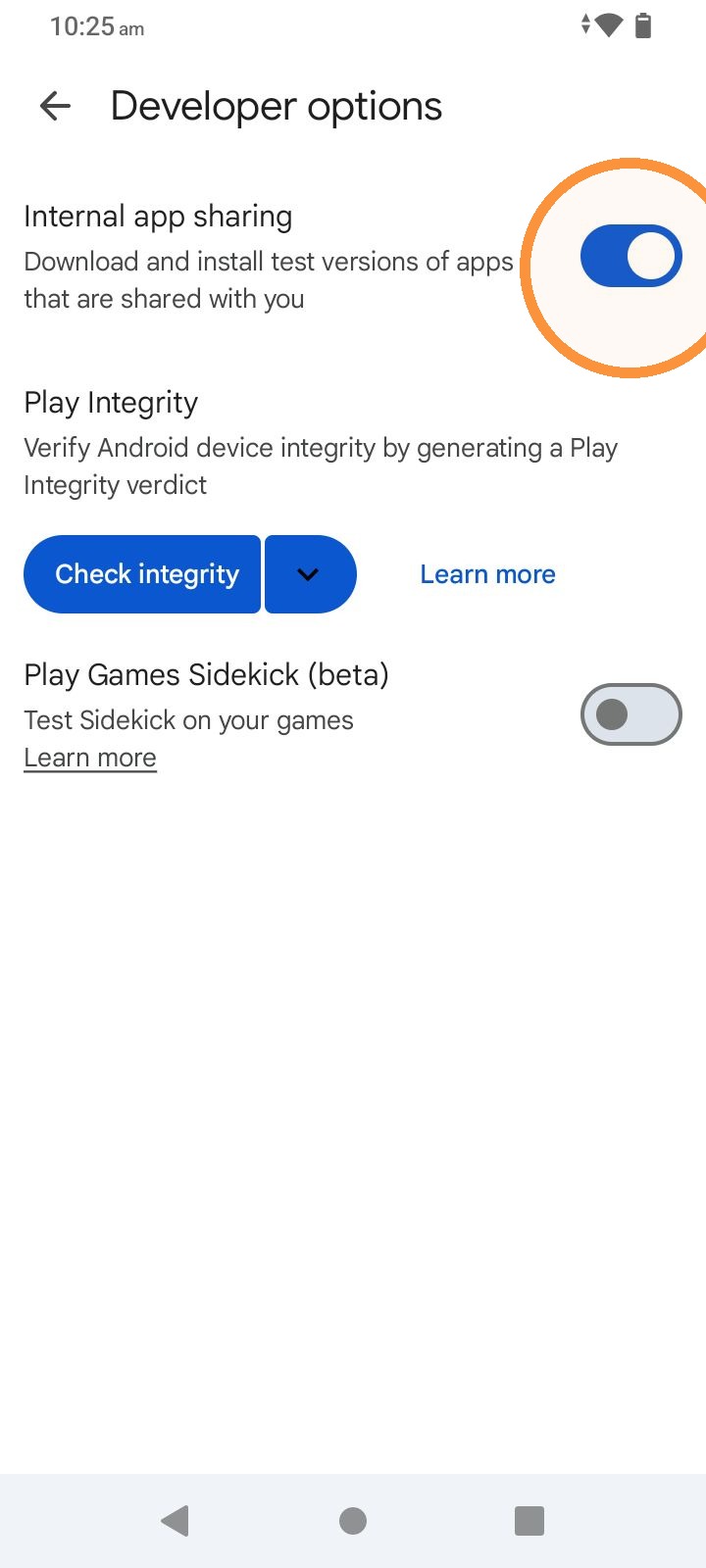
8. Toggle Internal App Sharing
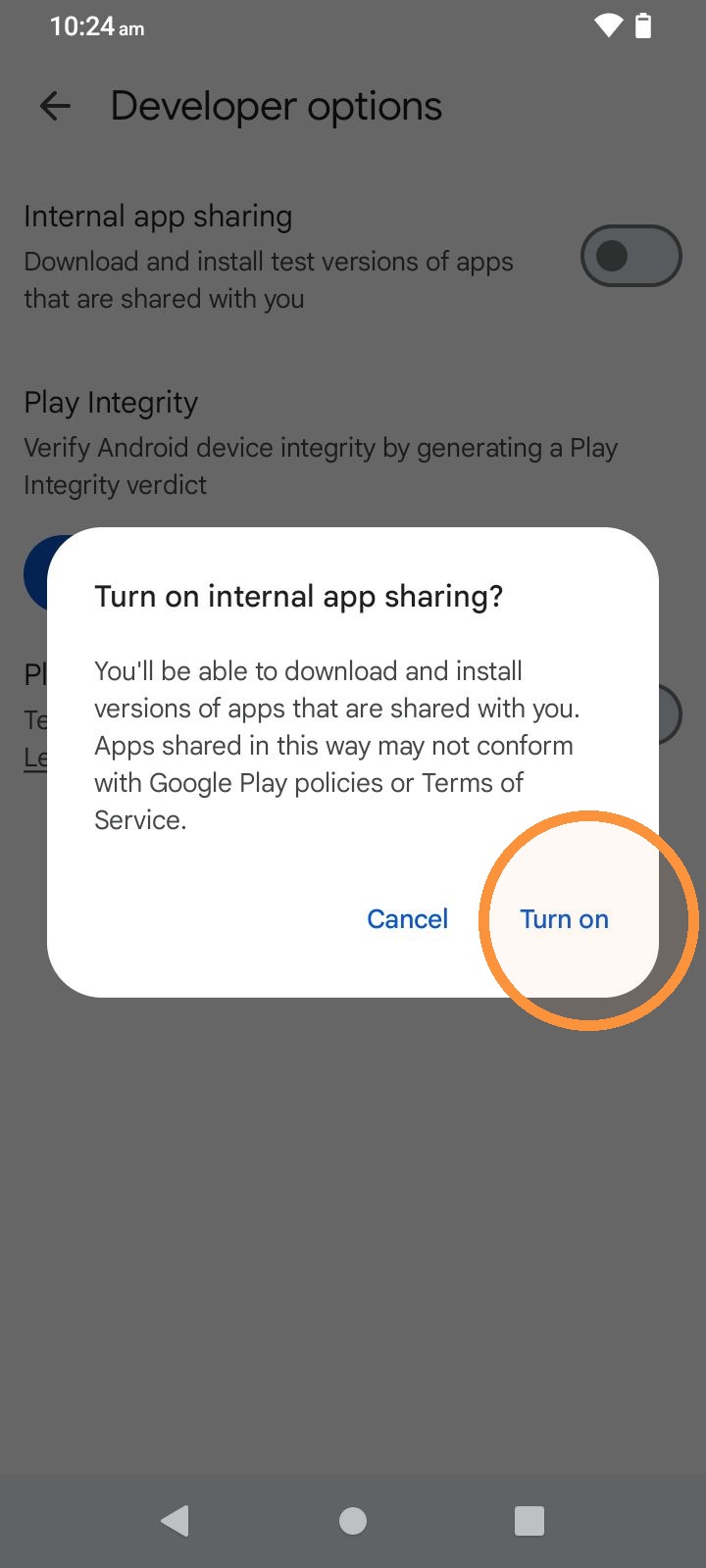
9. Turn On
10. Click the Link you were sent for the BirdScribe App and Install
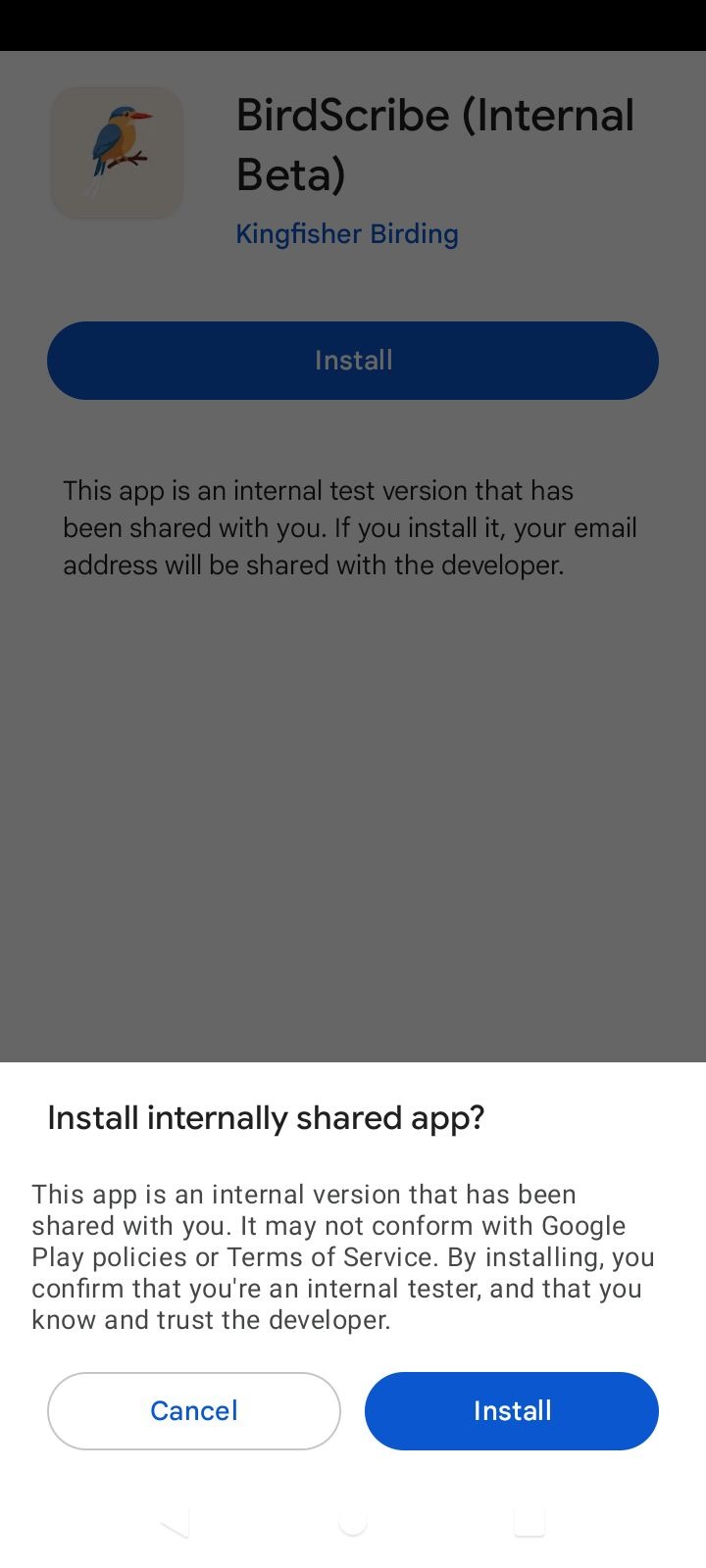
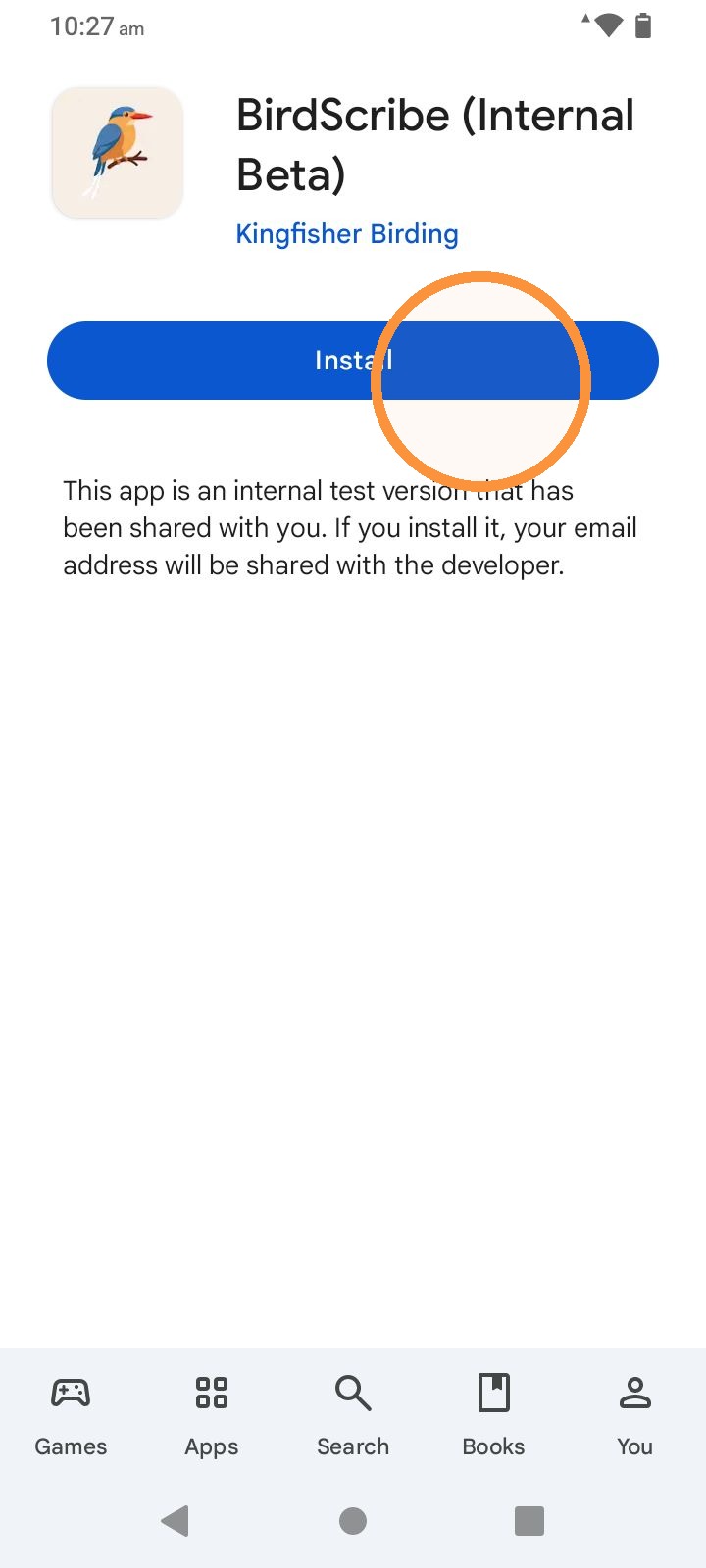
11. Tap Install
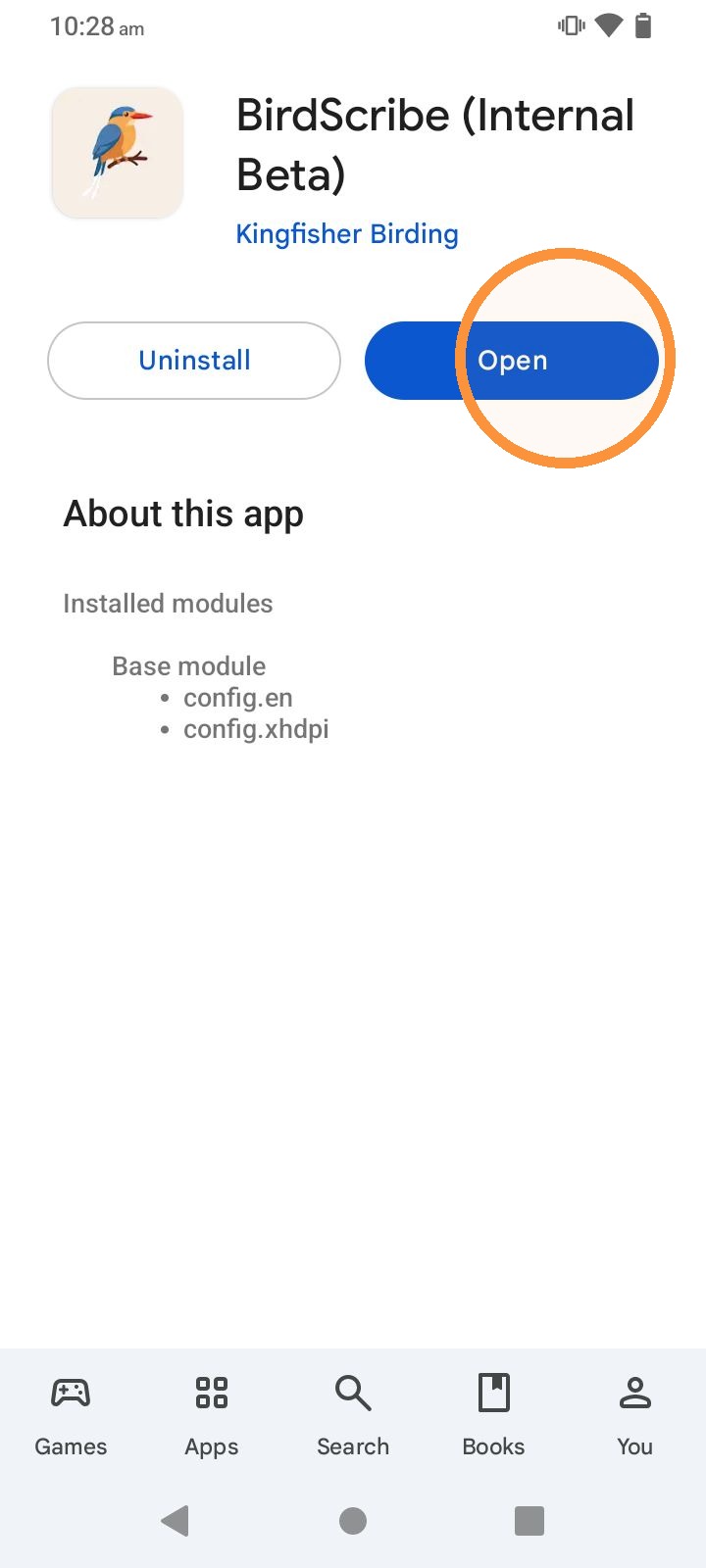
12. Tap Open
13. Start Birding